










Digital Water Platform
One configurable platform for water operations, regulation and intelligence

منصة الخدمات الإلكترونية
A smart platform for municipal & government services — from request to certificate
Running in municipalities & government institutions
The E-Services Platform is a complete system through which a municipality or government body offers its services to people online, in place of paper and visits to the counter. It brings together three platforms that work as one: an internal system for municipal staff, a web portal for citizens and companies, and a phone app in the municipality’s own name and logo.
It serves two sides: the citizen, who wants to complete a transaction from home and know where it stands, and the municipality, which wants its work organised, its processing times kept and a clear view of what happens in its departments. Each municipality runs its own copy, with its name and its services, and configures it itself without code.
The platform reads a citizen’s water and electricity subscriptions and balances from the municipality’s billing systems, so the citizen sees what they owe under “My services”, and staff rely on it when issuing a clearance certificate.
An assistant in Arabic and English on the portal and the app. It answers from the FAQ the municipality publishes and from the services guide: required documents, fees and processing times, working hours and contact details. For a signed-in citizen it also answers about their requests, notifications and subscriptions. It reads and explains; it never carries out a transaction on anyone’s behalf.
On the portal or the app with a citizen or company account, or as a guest. Every request gets a number to follow.
The request lands in the inbox of the role that owns its step, and a staff member claims it.
Staff move it to the next step, or ask the citizen for missing information or an attachment.
An SMS, email or push notification at each step for the citizen, and an alert to staff and their manager when it runs late.
The certificate is generated from its official template, and the citizen downloads it from the request.
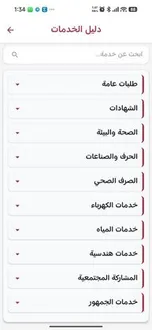
Each service with its conditions, attachments and fees, and a guide published on the portal and as a PDF.
A versioned form builder: changing a form leaves requests already filed on it untouched.
A visual designer for each service's workflow, every step assigned to a role.
Word templates for certificates and documents, filled from the request's data.
A default period per service, special periods and holidays.
A template per event, switched on for SMS, email or app notifications.
Where staff receive a request and pass it between departments until the certificate is issued.
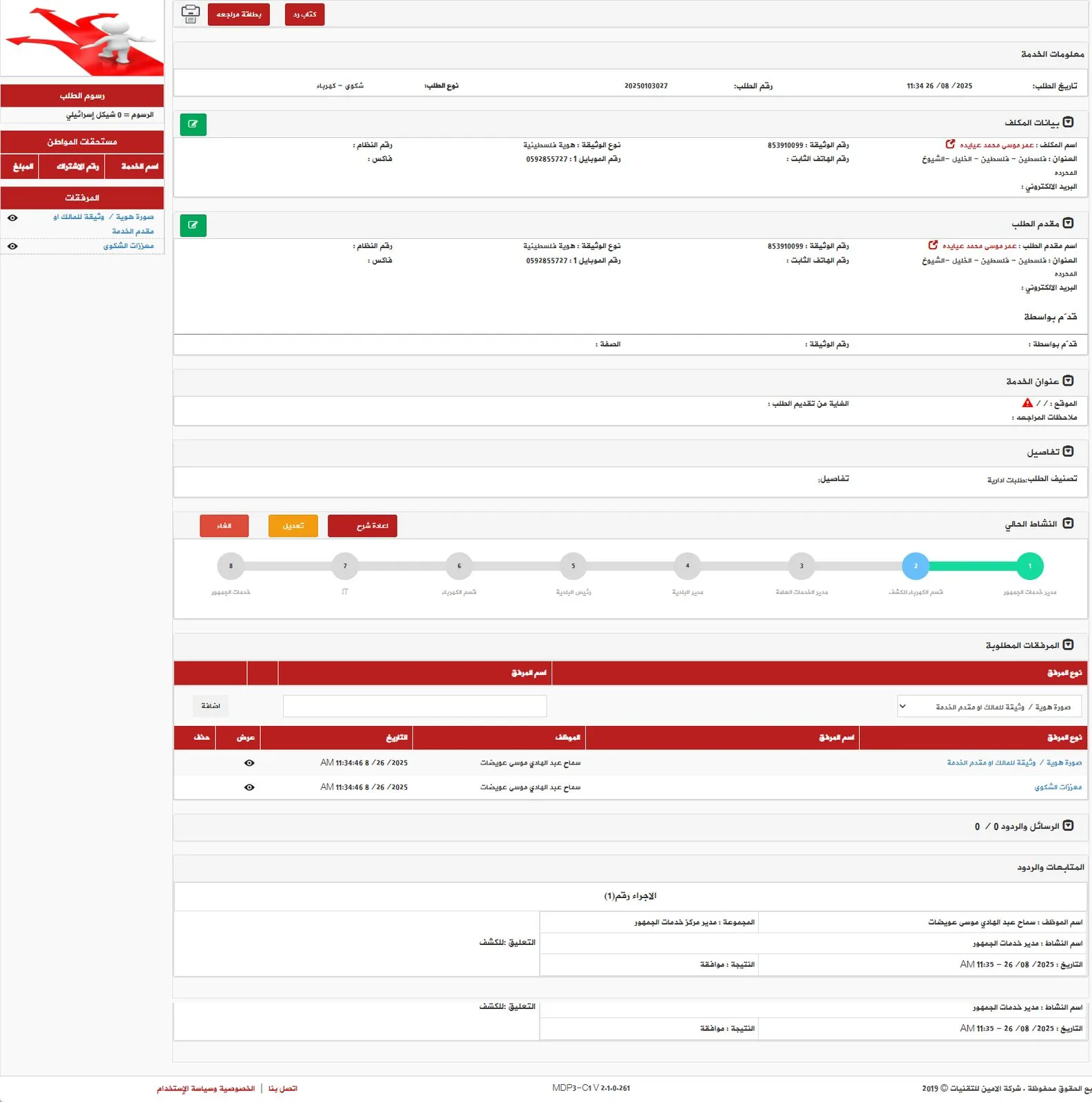
The staff system is where the transaction gets done. In their inbox staff see the requests that belong to their role at the current step; they claim a request, which then carries their name, and review it on a screen made for its kind of service: certificates and clearance certificates, engineering services such as building permits, land subdivision and demarcation, water and electricity, crafts and industries.
From the same system the municipality manages roles and permissions for every screen and action and lets staff delegate to a colleague while on leave, and it follows a dashboard and reports on requests, staff and services, with an audit trail of everything done.
Arrow keys to move · Space to pause or play
Screen 1 of 22
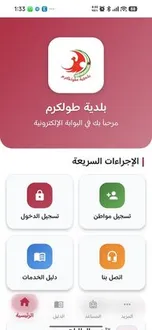
Citizens file and follow their requests from home. These are portals we built for municipalities, first those citizens use today, then those installed and not yet in use.
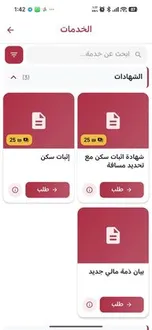
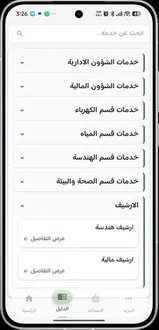
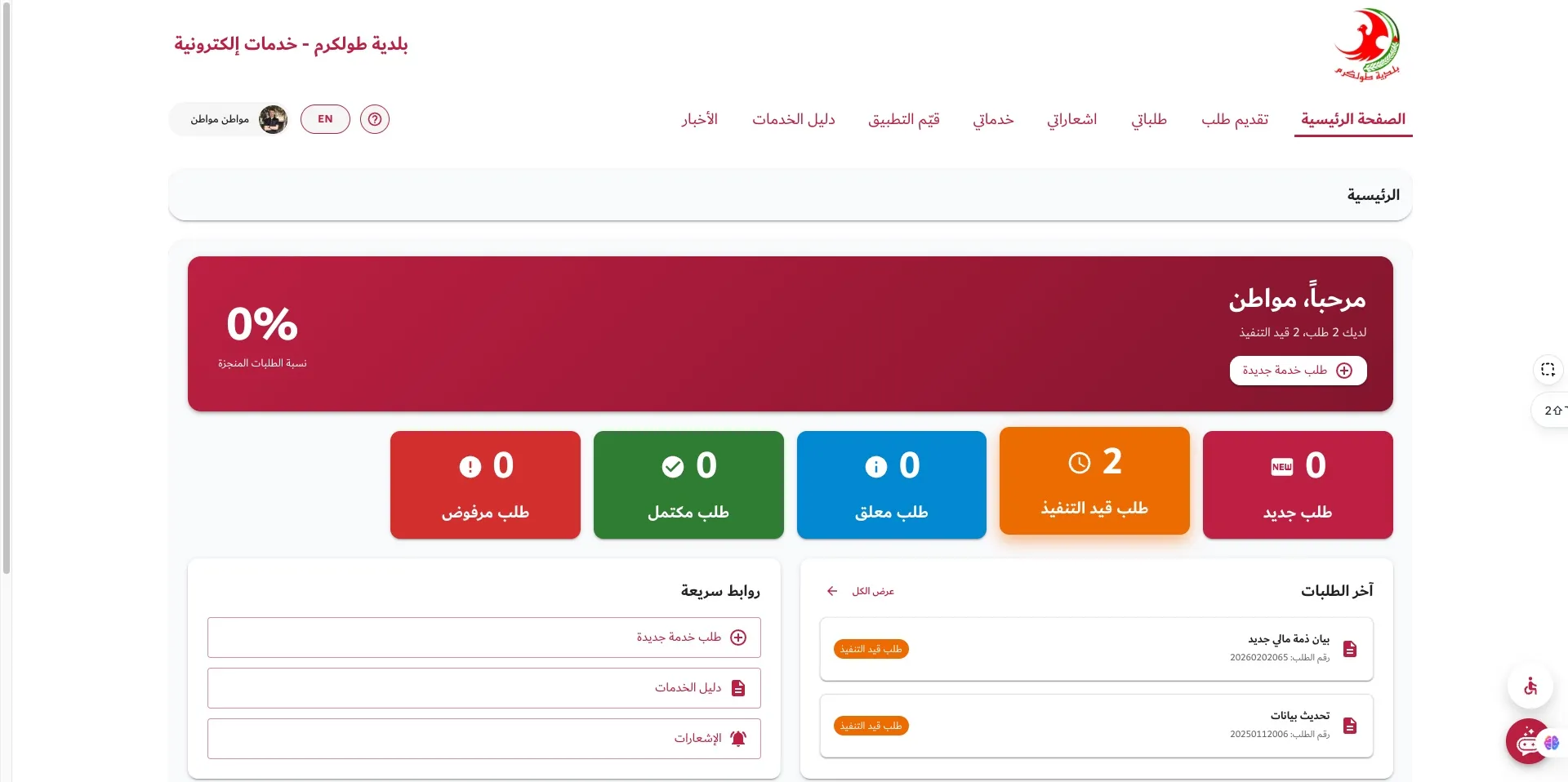
A web portal in the municipality's name and logo that works on computers and phones and can be installed like an app. Citizens sign up with their ID number, companies have their own accounts, and anyone without an account can file as a guest after a visual check and follow the request by its number and date.
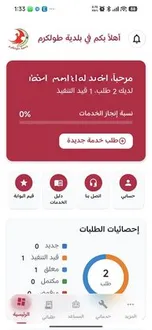
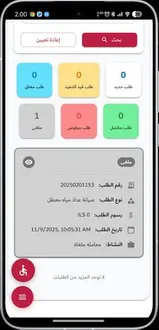
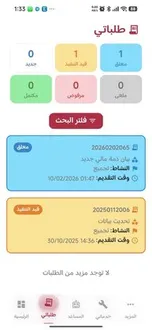
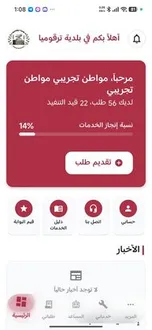
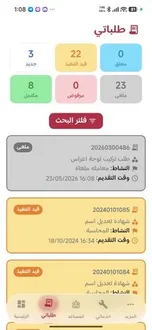
In their account citizens see their requests and each one's status: new, in progress, pending, completed, rejected. Opening a request shows its path and current step, where they answer what the municipality asks, and they download the certificate once it is issued. "My services" shows their water and electricity subscriptions and balances, and lets them act for people who delegated to them.
Arrow keys to move · Space to pause or play
Screen 1 of 13

Ya'abad
Jenin

Tulkarem
Tulkarem

East Sawahreh
Jerusalem

Al-Jib
Jerusalem

Taybeh
Ramallah

Al-Mazra'a ash-Sharqiya
Ramallah

Atara
Ramallah

Beit Ur al-Tahta
Ramallah

Kobar
Ramallah

Zeita
Tulkarem

Hindaza & Breideh
Bethlehem

Jayyous
Qalqilya

Zababdeh
Jenin

Jab'a
Jenin

Meithalun
Jenin

Al-Qubeibeh (Emmaus)
Jerusalem · Installed, not yet in use

Beit Ula
Hebron · Installed, not yet in use

Nahhalin
Bethlehem · Installed, not yet in use

Kifl Haris
Salfit · Installed, not yet in use
Portals sit on municipal networks and may not open from behind some networks.
The same services on the phone, published in the stores under Alameen Technologies.
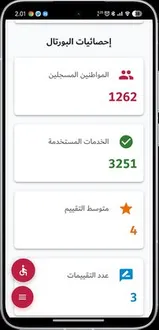
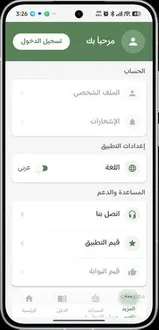
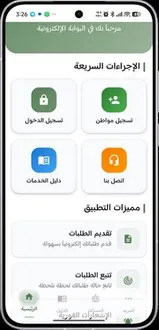
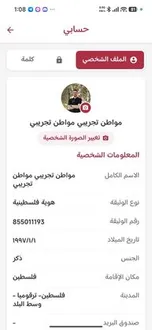
A native phone app built for each municipality in its name and logo and published in the stores. It runs on the portal's own database, so what a citizen files from the phone is in their web account too, and it has guest filing, the services guide, news, ratings and the AI assistant.
It adds what belongs to a phone: push notifications that open the request concerned when tapped, attachments taken with the camera or picked from the gallery and files, viewing and sharing documents, and a services guide kept on the phone to browse offline.
Running today at21 organisations
Open it on the full map Welfare Association (Taawon)
Request a demo
Request a demo and we will get in touch to arrange a time that suits you.
One configurable platform for water operations, regulation and intelligence

Selling, collecting and closing the day from the distributor's phone, even offline

An integrated platform for managing and analysing city & municipal geographic data

A comprehensive system for managing HR and employee affairs digitally

The full construction project lifecycle — from design to closure

Smart network management — interactive maps and the Fair Water Allocation Model

Managing and collecting property & land taxes efficiently and transparently

Water services in the citizen's pocket — tankers, complaints, news & indicators

Interactive maps and geo-historical content connecting curricula to the real world

Collecting and analysing social data with interactive indicators and reports
The asset register, its maintenance plans and budgets in one system